A threat report comes in at 6:12 a.m. An employee flags concerning behavior at a regional office. A traveler hits SOS from the road. Local unrest starts building near a facility before leadership has even opened email. In moments like these, incident management software is not an administrative tool. It is the operating system for protection.
For security leaders, HR teams, risk managers, and executive protection professionals, the question is no longer whether incidents will happen. The real question is whether your team can detect, assess, escalate, document, and respond without losing time or control. That is where the right platform makes a measurable difference.
What incident management software should actually do
A lot of platforms claim to manage incidents. Far fewer support the full operational picture. Basic ticketing systems can log an event, assign a task, and close a case. That may work for routine internal workflows, but it falls short when the situation involves duty of care, physical safety, workplace violence concerns, travel risk, or a fast-moving external threat.
Effective incident management software should bring fragmented security functions into one environment. That includes intake, triage, response coordination, evidence capture, communications, reporting, and post-incident analysis. If teams still have to jump between texts, spreadsheets, email threads, camera exports, and separate alerting tools, the process remains exposed.
The most valuable systems do more than record what happened. They improve what happens next. They help teams identify severity faster, route the incident to the right people, preserve decision history, and give leadership a usable picture of risk as it develops.
Why fragmented response creates operational risk
Many organizations do not realize how much delay is built into their current process until a serious event tests it. An employee reports a threat to HR. Security hears about it later. Legal is copied after the fact. Site leaders have incomplete details. Evidence lives in screenshots on individual phones. By the time someone assembles a timeline, the window for early intervention may already be gone.
This is not just inefficient. It increases exposure. Missed escalation steps can affect employee safety, liability, and business continuity. In workplace violence cases, stalking concerns, or executive protection matters, small delays can change the outcome.
Centralization matters because it removes ambiguity. A unified platform creates one chain of visibility from initial report to final action. Teams can see who received the alert, what was verified, what actions were taken, and whether the case is escalating or stabilizing. That level of operational clarity is hard to achieve through disconnected tools.
The capabilities that matter most
Not every organization needs the same workflow, but the strongest incident management software usually shares a core set of capabilities.
Real-time alert intake is one of them. Teams need a reliable way to receive reports from employees, travelers, security personnel, or monitoring systems without delay. That intake should support more than a written note. In many cases, location data, photos, videos, voice notes, and supporting files help responders understand the situation faster.
Triage and escalation are equally important. A system should help teams distinguish between a minor disruption and a credible threat. Rules-based escalation can help, but this is also where human judgment matters. Software alone can sort signals, but serious security decisions often require context, pattern recognition, and verified analysis.
Case management is where many platforms either become useful or create friction. A good system keeps incident history, communications, attachments, assigned actions, and status updates in one record. It should be easy to hand off between shifts or departments without losing continuity.
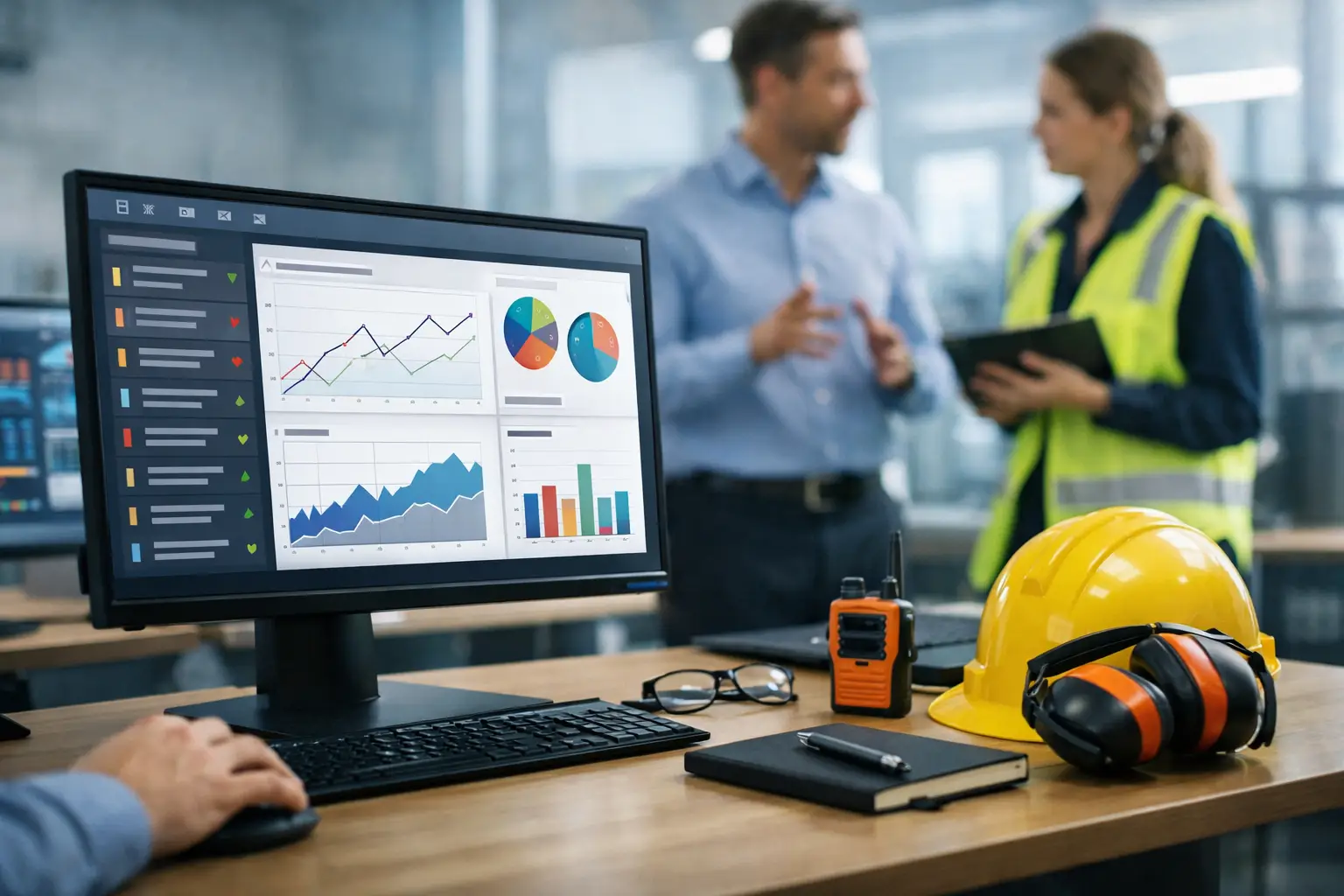
Analytics also matter, but only if they are operationally relevant. Security leaders do not need dashboards for their own sake. They need to know where incidents are clustering, which sites show repeated warning signs, how quickly teams are responding, and whether certain categories are increasing over time.
For organizations with mobile employees, executives, or distributed facilities, location awareness adds another layer of protection. If a threat emerges near a person, office, school, or route, the system should help connect the event to the people and assets potentially affected.
Incident management software is not just for crisis moments
One of the biggest misconceptions is that these platforms are only valuable during a major emergency. In practice, they are often most useful before an incident reaches that threshold.
A pattern of concerning employee behavior. Repeated trespassing at one site. Travel alerts around a key executive movement. Harassment reports that look isolated until they are viewed together. These are the kinds of signals that often sit unnoticed when organizations rely on manual tracking.
The right software helps teams move from reactive response to continuous risk visibility. That shift matters because prevention rarely comes from one dramatic warning. More often, it comes from connecting small indicators early enough to act.
For that reason, the best platforms support both urgent events and lower-level cases that may develop over time. A panic alert and a behavioral threat assessment do not follow the same workflow, but they belong in the same operational ecosystem if the goal is prevention as well as response.
What to look for before you buy
The buying process should be driven by operational fit, not feature volume. A long list of modules means very little if your team cannot use them under pressure.
Start with the reporting pathway. Who can submit an incident, from where, and with what level of detail? If reporting is slow or confusing, the data going into the system will always be incomplete.
Then look at escalation logic. Can the platform route cases by severity, geography, role, or threat type? Can it support both automated workflows and analyst review? This matters because over-automation can create false positives, while under-automation creates delay.
Usability should be tested in realistic conditions. A system might look polished in a demo and still fail in the field. Security teams need fast access, clear interfaces, and mobile-ready workflows. If an executive protection agent, site leader, or HR partner cannot use it quickly during a live issue, adoption will suffer.
Integration is another practical concern. Incident management software should not become another silo. It should work with your alerting systems, communications tools, access control environment, travel security workflows, and broader risk reporting structure where needed.
Finally, assess the support model behind the technology. Some organizations only need a software layer. Others need more than that. If your threat environment is complex, a hybrid model that combines AI-driven detection with trained human analysts can improve verification, reduce noise, and strengthen escalation decisions. That balance is especially important when the cost of a missed signal is high.
The trade-offs leaders should consider
There is no perfect platform for every security operation. A lighter system may be easier to deploy, but it may not hold up well for multi-site organizations, executive protection programs, or cross-functional incident handling. A highly configurable platform may be powerful, but it can become slow to implement if internal ownership is weak.
It also depends on the incidents you manage most often. If your main challenge is workplace safety reporting, your requirements may center on documentation, confidentiality, and HR coordination. If your focus is travel risk or executive protection, location intelligence, mobile alerts, and rapid escalation may matter more.
Budget decisions should be weighed against exposure, not just software cost. A cheaper tool that misses context, delays response, or fragments evidence can become expensive very quickly when a serious incident occurs.
Where a unified platform changes the outcome
The strongest case for incident management software is operational control. When threat alerts, incident reports, case notes, evidence, response actions, and analytics live in one environment, teams can act with more speed and less guesswork.
That is the model many organizations are moving toward now. Instead of treating incident response, threat monitoring, workplace safety, and executive protection as separate functions, they are building a more connected protection strategy. Risk Shield reflects that shift by combining intelligence, response workflows, and centralized case management in one operating environment designed for prevention as much as response.
That approach does not remove risk. No platform can. What it does is tighten the time between signal and action, reduce confusion during escalation, and give decision-makers a clearer operating picture when pressure is highest.
The best incident management software should leave your team with fewer blind spots, stronger documentation, and more confidence in the moments that matter most. If a system cannot help you see risk sooner and respond with discipline, it is not supporting security operations. It is just storing paperwork.
Preparedness is rarely built in the middle of a crisis. It is built beforehand, in the systems and workflows your team trusts when conditions change fast.
