
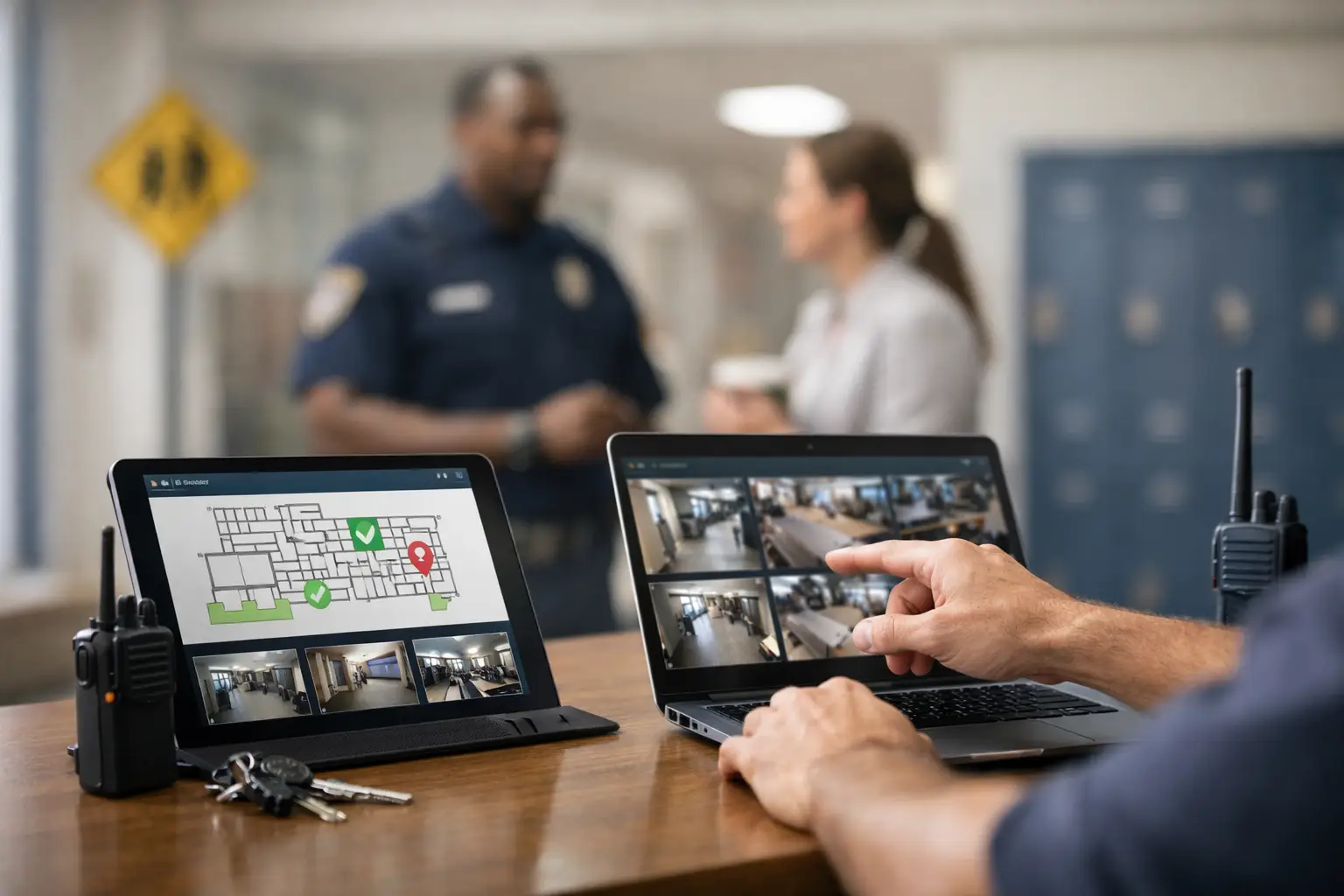
A concerning social media post is reported at 7:18 a.m. A front-office employee receives a worried call at 7:24. By 7:30, administrators, campus security, counseling, and district leadership may all have partial information, different communication channels, and no clear record of who owns the next decision. That is the operational gap a school safety operations software guide should help close.
The right platform is not a replacement for trained staff, established emergency protocols, or relationships with law enforcement and behavioral health partners. It is the operating layer that gives those people a shared view of risk, a disciplined workflow for escalation, and a defensible record of what happened.
What school safety operations software should solve
Many districts already use separate tools for visitor management, mass notifications, cameras, access control, anonymous reporting, and student information. Each serves a legitimate purpose. The problem appears when a possible threat requires staff to connect the information across those systems quickly and responsibly.
Safety operations software should organize the work around an incident or concern, not around the limitations of separate applications. A report, image, message, location, interview note, response action, and final disposition should be connected in one controlled case record. Authorized personnel need to see what is known, what has been verified, what remains unconfirmed, and who is responsible for the next action.
That distinction matters. A notification platform can send an alert. A safety operations platform helps leaders decide whether an alert is warranted, document why, direct the response, and preserve the evidence and decisions afterward.
Start with the operating model, not the feature list
A software evaluation can go wrong when a school starts by comparing dashboards. Begin with the real situations your teams manage: a student threat report, an unauthorized person near campus, a custody dispute, a weather emergency, a concerning employee behavior report, or a credible online threat directed at a school event.
For each scenario, map the current path from intake to closure. Who receives the first report? How is the report verified? Which roles must be notified? What information can be shared with each role? Who documents contact with guardians, law enforcement, or outside clinicians? Where does the case close, and how is follow-up tracked?
This exercise exposes the operational friction that software must address. In some districts, the central need is faster escalation from a campus to district security. In others, it is consistent threat assessment documentation across multiple schools. A large district may prioritize role-based coordination and data integration, while a smaller independent school may need a simple, reliable workflow that staff can use under pressure.
Define ownership before automation
Automation is useful only when it follows clear authority. Configure escalation rules around named roles, on-call coverage, thresholds, and approval requirements. Do not let a generic workflow decide that every concerning phrase is an emergency, or that a report should automatically reach every administrator.
False positives create fatigue, unnecessary alarm, and potential harm to students or employees. Under-escalation carries obvious risk. The goal is a calibrated process that surfaces relevant information quickly and routes it to trained decision-makers who can assess context.
Capabilities that matter in a school safety operations software guide
A credible platform should support prevention, response, and recovery rather than treating safety as a single panic-button event. During evaluation, focus on whether these capabilities work together in one operational workflow:
- Threat intelligence and monitoring: The system should provide location-relevant intelligence and distinguish verified, actionable information from unfiltered noise. Human analyst review can be especially valuable when a post, tip, or external event needs context before escalation.
- Structured reporting and case management: Staff, students, or designated community members need a controlled way to submit concerns. Investigators need case files that capture evidence, assignments, actions, timelines, and outcomes without relying on scattered email threads.
- Incident response coordination: The platform should support rapid notification, task assignment, status updates, location awareness, and emergency escalation. It must make clear who has acknowledged an assignment and what actions remain open.
- Evidence and audit controls: Photos, video, documents, interview notes, and communications should be preserved with access controls and a clear activity history. A case record should support post-incident review without exposing sensitive information to users who do not need it.
- Analytics and pattern detection: Leaders need more than monthly incident totals. Look for the ability to identify repeat locations, recurring behavior patterns, delayed response steps, and categories of concern that warrant policy or staffing changes.
A platform does not need to replace every security system you own. It does need to work with the systems that matter most. Ask specifically about integrations with access control, camera systems, communications tools, student information systems, HR systems, and existing emergency notification tools. Integration should reduce duplicate entry and improve context, not create an uncontrolled pool of sensitive data.
Protect privacy while improving visibility
School safety information often includes student records, health-related details, disciplinary history, employee concerns, and reports that have not been substantiated. More visibility is not automatically better. The right visibility is role-specific, time-sensitive, and governed by policy.
Require granular permissions. A campus administrator may need case status and response tasks, while a threat assessment team may need fuller documentation. A district executive may need trend reporting without seeing unnecessary personally identifiable information. External partners should receive only the information authorized and necessary for their role.
Ask vendors how data is encrypted, retained, exported, and deleted. Clarify where data is hosted, how administrators can audit user activity, and what happens when a staff member changes roles or leaves the district. Review how the platform supports FERPA obligations and your district’s legal, records-retention, and board policies. Technology cannot make those decisions for you, but it should make compliant decisions easier to enforce.
Anonymous reporting also requires care. It can lower barriers for students who fear retaliation, but anonymous tips can be incomplete, malicious, or difficult to validate. Choose a workflow that preserves anonymity when appropriate while allowing trained staff to ask follow-up questions and document the assessment.
Test the platform under operational pressure
A polished demonstration is not an operational test. Require scenario-based validation with the people who will actually use the system: front-office staff, campus security, administrators, counselors, district safety leaders, and IT personnel.
Run a realistic exercise. Submit a report with an attachment. Assign it to the proper team. Add verification notes. Escalate to leadership. Send a targeted communication. Record the response. Close the case with follow-up actions. Then ask whether every participant understood what to do without relying on a vendor representative in the room.
Measure practical performance: time from report to triage, time from triage to assignment, percentage of cases with complete documentation, overdue follow-ups, and user adoption by role. These measures reveal whether the platform is improving readiness or simply adding another system to maintain.
Also test failure conditions. What happens if cellular service is limited, an administrator is unavailable, or a report arrives after hours? Can teams access critical information on mobile devices? Are escalation paths updated easily when personnel change? Operational confidence comes from answering these questions before an incident, not during one.
Build adoption into the implementation plan
The strongest platform will fail if staff treat it as optional. Implementation should include written use cases, role-based training, tabletop exercises, and a clear expectation that designated incidents and concerns will be documented in the system.
Avoid launching every feature at once. Start with the workflows that address your highest-priority risks, such as threat reporting and case coordination. Establish governance for who owns configuration, reviews access, maintains escalation rosters, and evaluates data quality. Expand only after teams are using the core workflow consistently.
Risk Shield approaches safety operations as a continuous intelligence and response function, combining AI-driven analysis with human-verified support, incident documentation, location-based visibility, and escalation tools. For schools and districts, that model is most valuable when it strengthens the trained professionals and established partnerships already responsible for student and staff safety.
Choose for decisions, not just alerts
The best school safety operations software does not promise to predict every threat or eliminate difficult judgment calls. It gives leadership a disciplined way to receive information, establish facts, coordinate action, and learn from each case.
When evaluating a platform, ask a direct question: will this help our people make a better decision in the first 15 minutes, and will it leave us with a clear record of why that decision was made? If the answer is yes, the technology is serving the mission that matters – protecting the school community with preparation, control, and accountable action.
