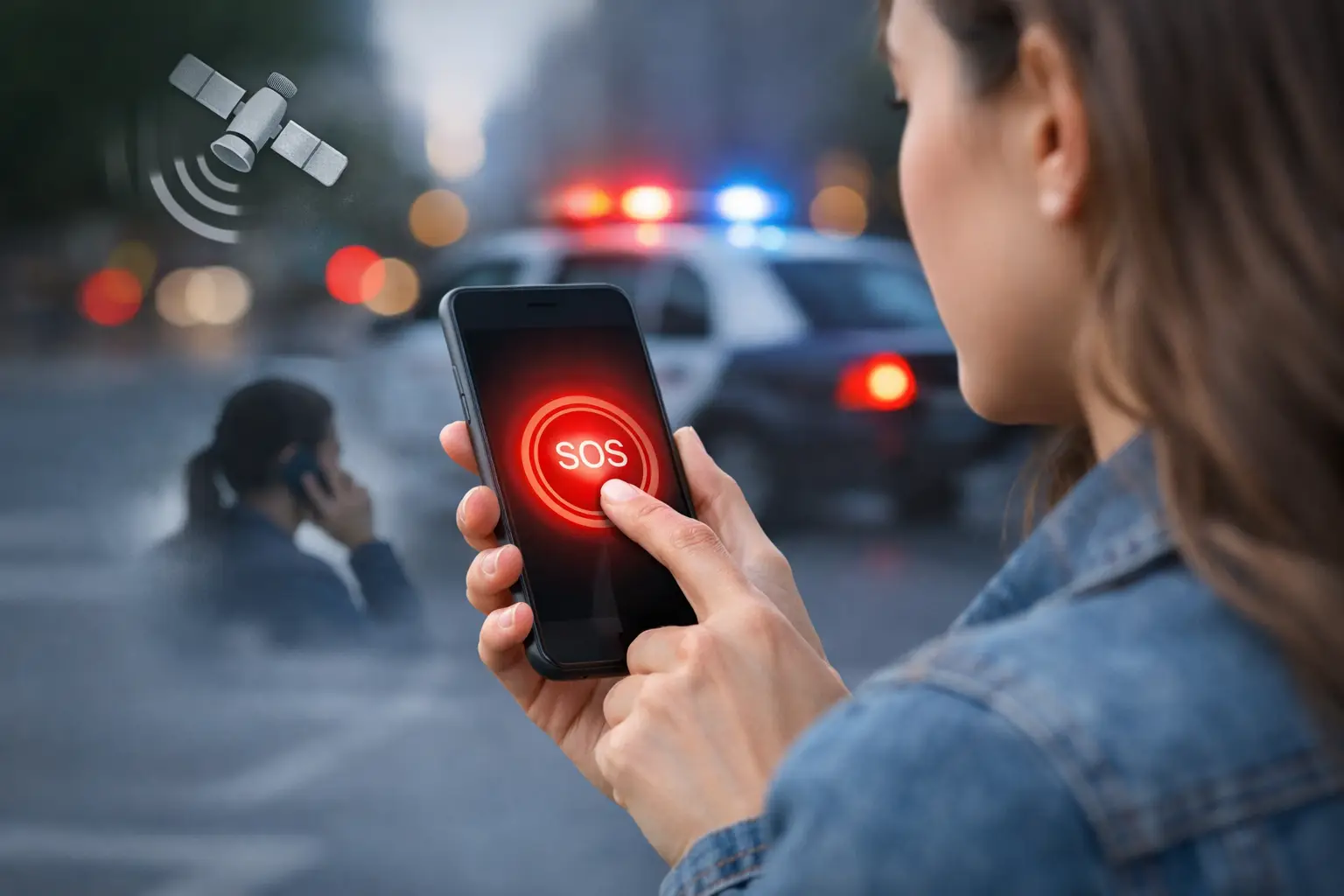
A personal safety SOS app is easy to underestimate until a situation turns volatile fast. A rideshare drops you at the wrong address. An employee walks to a parking garage after a hostile termination. A college student feels watched on the way back to a dorm. In those moments, the difference between a basic panic button and a real protective tool is operational depth.
Most apps in this category promise speed. Far fewer are built for decision-making under pressure. That distinction matters for families, executive protection teams, corporate security leaders, and anyone responsible for getting the right information to the right people before an incident escalates.
What makes a personal safety SOS app effective
A useful alert is not just a loud signal. It has to move a situation from uncertainty to action. That means the app should do more than send a text to a preset contact list.
At minimum, a personal safety SOS app should support immediate activation, accurate location sharing, and reliable escalation. But for real-world protection, those basics are only the starting point. The stronger platforms also help document the event, reduce confusion, and support follow-through after the initial alert.
This is where many consumer-grade tools fall short. They may notify a friend, but they often do little to verify the threat, organize the response, or preserve evidence. In a low-risk environment, that may be enough. In a workplace violence concern, stalking scenario, travel security incident, or executive protection context, it usually is not.
Speed matters, but clarity matters more
When people evaluate an SOS feature, they often focus on how quickly an alert can be triggered. That is reasonable. Under stress, every extra tap is a problem. A strong app should allow activation in seconds, with a clean interface and no ambiguity about what happens next.
But speed without clarity creates its own risks. If recipients get an alert with incomplete data, they may hesitate, misread the situation, or duplicate effort. A better system captures essential context immediately – location, time, user identity, and the nature of the trigger if available. Some situations call for silent activation. Others require an audible deterrent or visible escalation. The right design depends on the user profile and threat environment.
For organizations, that means the best tool is not always the one with the most consumer-friendly interface. It is the one that helps security teams verify, triage, and act with confidence.
The features that separate a real protection tool from a basic alert app
The most capable platforms are designed for the full incident lifecycle, not just the first five seconds. That changes what features matter.
Real-time location visibility
Location sharing is foundational, but not all location data is equally useful. Security teams need more than a static pin dropped several minutes ago. They need current movement, location history when appropriate, and enough accuracy to direct help efficiently. For lone workers, travelers, students, and executives, that visibility can shorten response time and reduce blind spots.
There is a privacy trade-off here. Continuous location monitoring must be governed carefully, especially in workplace environments. The right platform should support clear policies, consent-based use cases, and role-based access so visibility serves protection rather than creating unnecessary exposure.
Intelligent escalation paths
An SOS alert should not disappear into a generic notification queue. It should escalate according to risk, user type, time of day, geography, and the organization’s response protocol. In some cases, the right path is immediate outreach to family or a security operations team. In others, it may involve executive protection personnel, school safety staff, onsite supervisors, or emergency services.
This is where operational maturity shows. A tool that can route alerts intelligently is more valuable than one that treats every incident the same way. False alarms still happen, and overreaction can strain resources. Underreaction is worse. The system needs enough logic and oversight to distinguish urgency from noise.
Evidence capture during the event
If an incident later requires HR review, legal action, workplace violence assessment, or law enforcement coordination, documentation becomes critical. A strong personal safety SOS app should support evidence upload such as photos, audio, notes, or incident details captured while the information is fresh.
This capability is often overlooked during purchasing decisions because it feels secondary to the alert itself. It is not secondary. Evidence strengthens investigations, supports pattern detection, and improves post-incident decision-making. It also helps organizations move beyond isolated responses toward prevention.
Human verification and monitoring support
Automation helps with speed, but security incidents do not always fit neat decision trees. A hybrid model that combines technology with trained analyst support offers a significant operational advantage, especially in high-risk or ambiguous situations.
For example, if an alert is triggered during business travel in an unfamiliar city, a monitored environment can help validate the threat, assess local conditions, and coordinate the next step. If a user is unable to speak safely, monitored escalation may provide the continuity that a simple app notification cannot. This is one reason enterprise buyers and high-risk individuals often outgrow standalone panic apps.
Why enterprise teams need more than a consumer SOS feature
For individual users, the value of an SOS tool is obvious: faster access to help. For organizations, the standard is higher. The app has to fit into security operations, HR workflows, duty of care obligations, and incident management processes.
A workplace safety team does not just need to know that an alert was triggered. It needs to know who saw it, how it was escalated, what evidence was attached, whether similar incidents have occurred before, and what follow-up actions were taken. Without that structure, even a fast alert can become a fragmented response.
That is why platform integration matters. If the SOS function sits apart from case management, threat monitoring, and reporting, teams lose time reconciling information across tools. A unified approach gives security leaders a cleaner operational picture and a more defensible record of action.
This is especially relevant in environments dealing with workplace violence concerns, executive travel, field operations, campus safety, or employee commuting risk. In those settings, alerts are not isolated events. They are part of a broader threat landscape that needs visibility over time.
How to evaluate a personal safety SOS app
The right question is not, “Does it have an SOS button?” Nearly every app in the category does. The better question is, “What happens in the next 30 seconds, and what happens in the next 30 minutes?”
A serious evaluation should look at activation speed, escalation logic, evidence capture, monitoring support, reporting, and administrative control. It should also examine reliability under pressure. If a user has limited signal, is under duress, or cannot safely interact with the screen, the app still needs to perform.
Decision-makers should also assess fit by use case. A family may prioritize ease of use and rapid contact with trusted relatives. A corporation may need role-based permissions, audit trails, and integration with incident response workflows. An executive protection team may care most about location intelligence, discreet activation, and continuous monitoring. The best answer depends on the operating environment.
For organizations comparing options, a practical test is to run a scenario. Use a parking lot escort concern, a stalking report, a hostile visitor event, or a traveler distress case. Then map what the platform actually enables, from first alert through final documentation. Marketing claims tend to thin out quickly under scenario testing.
Personal safety is not a single event
The most effective protection programs treat SOS as one layer in a broader prevention strategy. An alert matters. So do the conditions that led up to it, the intelligence available at the time, and the actions taken afterward.
That is why leading security programs increasingly pair SOS functionality with threat visibility, analyst review, and centralized case management. The goal is not just to react faster. It is to build a clearer operating picture, reduce repeat exposure, and make every incident inform the next decision.
Risk Shield reflects that shift by treating SOS as part of a wider protection framework rather than a standalone emergency feature. For buyers with real duty-of-care responsibilities, that difference is significant.
A personal safety tool should do more than signal distress. It should help turn a dangerous moment into a controlled response, with enough intelligence and structure to protect people before the next alert ever needs to be sent.
